Yesterday evening, my Hardware account was reinstated. Here is a short summary:
After many years of maintaining Windows drivers for our PCI cards, I was suddenly and unexpectedly locked out of the dashboard.
Initially, I saw that I needed to do some account verification, but when I wanted to take a closer look, I saw that our org admin was required to do that.
Our admin did the verification for himself in my presence, and I saw that everything looked good for him so far.
After that, I saw no more account verification requirement for myself, but access to the hardware dashboard was still denied.
A Microsoft support guy who took care of my ticket came back to me and told me that everything should be solved now. However, it wasn't.
I still had no access to the hardware dashboard, and when I tried to access the page, I get redirected to my account settings, where (again), I got a hint that I had to do some account verification.
After I had filled out and submitted the form mentioned here earlier, Garret stepped in and sent me some concrete pointers on how I should proceed.
I could then complete my account verification, and after few hours my account was re-activated.
In fact, Garret was the one who quickly helped sort things out.
Thanks also to @Scott_Noone_OSR who posted the link to the form to be filled out. For those who are new to this thread, here is the link once more:
My certificate which is in the process of being renewed.
The hardware program
I still require vetting but this is progress and Microsoft have opened up a service request.
Does our Global Admin IT guy need to login to start this process for me?
The important things I have learned:
In the ‘magic’ form (see Martin’s post above) put the actual email address you can be contacted at but not the onmicrosoft one (unless you can get mail at this address) because that is the email Garrett will respond to.
In my case, our Admin needed to do the account verification for himself, but he didn’t need to start the verification process for me.
In our case, we don’t even have and use onmicrosoft email addresses. According to our admin, we got an onmicrosoft domain assigned by Microsoft, but we registered our own domain (meinberg.de), and everything works with the normal email addresses of that domain.
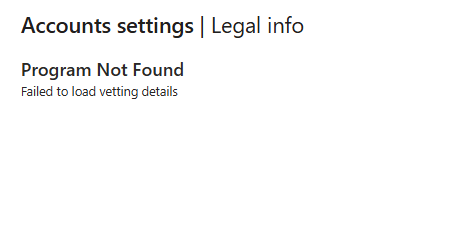
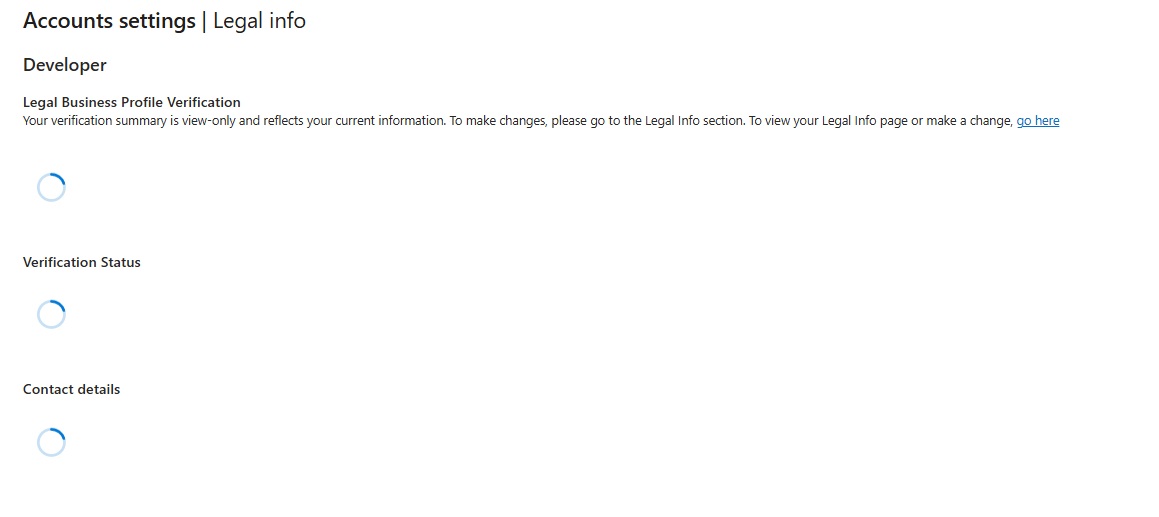
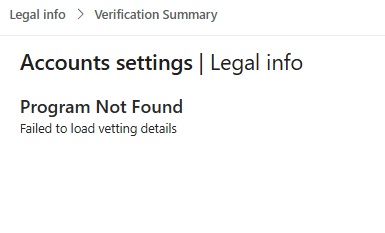
We have been move to the vetting process which is great. However when I click on the verification summary link from the developer tab of the Account profile Legal Info page I get this.
Now I am getting a repeat email from somebody else saying I cannot proceed as I have not verified myself.
I repeat, for the umpteenth time, I cannot verify myself if I get failed to load vetting details when I click on the verification summary page.
I also tried with my phone to see if it was a problem with our internal network. Same problem so it is something broken on Microsoft’s end by the look of it.
Sorry but I don't have any insight into those problems and I've not seen the 'program not found' message on our account, through any of this...
It was never 100% clear to me what is the relationship between the Global Admin account and the driver signing account, but I think the vetting has to be done from the Global Admin account, and the certificate upload is done from the driver signing account? Not totally sure if that's a requirement or just how we set it up some years ago when we went through the steps.
You wrote a while back:
In the Partner tab we have our Global Admin set to an email address to someone who is no longer at the company.

I want to add here that our global admin is at our parent company. so we have different domain names for the global admin and me, the developer.

There is someone still at our company who still has Global Admin rights so I am guessing we have to change this?
I would say that you need to somehow update the Global Admin account to the current person who is authorized at your (parent) company and who can receive emails at a real company email address that includes their first and last name and the company domain, so that the vetting and AU10TIX stuff won't reject it.
Or, maybe just email Garrett again about this, since he seems to have the ability to 'fix' some or all of these issues? Or submit the 'magic' form again if nothing else works? I suspect in any case you'll have to work closely with your company's 'Global Admin' person to get through this.
We tried with our Global Admin IT guy and he ran into the same ‘program not found’ error on the developer tab. I forwarded this problem to Garrett and we got an email from the vetting team. It looks like the support ticket is still open.
On your dashboard, or under Account settings → Programs, do you have anything showing there? In our case we didn’t have anything initially (after getting locked out) but then we signed up for Microsoft AI Cloud Partner Program, just to have something listed under Programs in order to get further…
But I think that was after having already gone through the AU10TIX vetting. To do that, I think we had to update our contact info with a “firstname-dot-lastname-at-company.com” type of email, and/or the MS Support person (not Garrett, this was before we knew about the ‘magic’ form) had to activate something so we could get into the AU10TIX link on the verification summary page.
In the very beginning (after having been locked out) we started all this by updating our contact name/email under Legal Info; that seemed to start the verification process over again, and we made progress from there. It sounds like maybe you’re stuck at that point?
We are signed up for the AI Cloud Partner Program and the Hardware Program.
Our account’s login is in the myname@companyname.onmicrosoft,com format.
My account’s Develop tab account email, under legal info, is in the myname@companyname.com format.
I got an email today and that took me to AU10TIX verification and I went through that for Authenticator. The email arrived at my myname@companyname.com email and so I entered that email in to get the pin for authentication and I managed to authenticate myself.
I am now wondering whether I had to get myself verified with the onmicrosoft email account even though I cannot pick up mail for that.
After authenticating myself I went back on my page and it still shows the program not found message.
Anyhow I received an email from Garrett and he is trying to get someone from support to help.
Thank you for your help with this. It is very much appreciated.
I received a message saying my service ticket is closed.
This is a nightmare. They said it was because I did not respond. I have responded but the ‘support’ email address (support@mail.support.microsoft.com) kept sending me the same email, which I did respond to, and they ignored those responses.
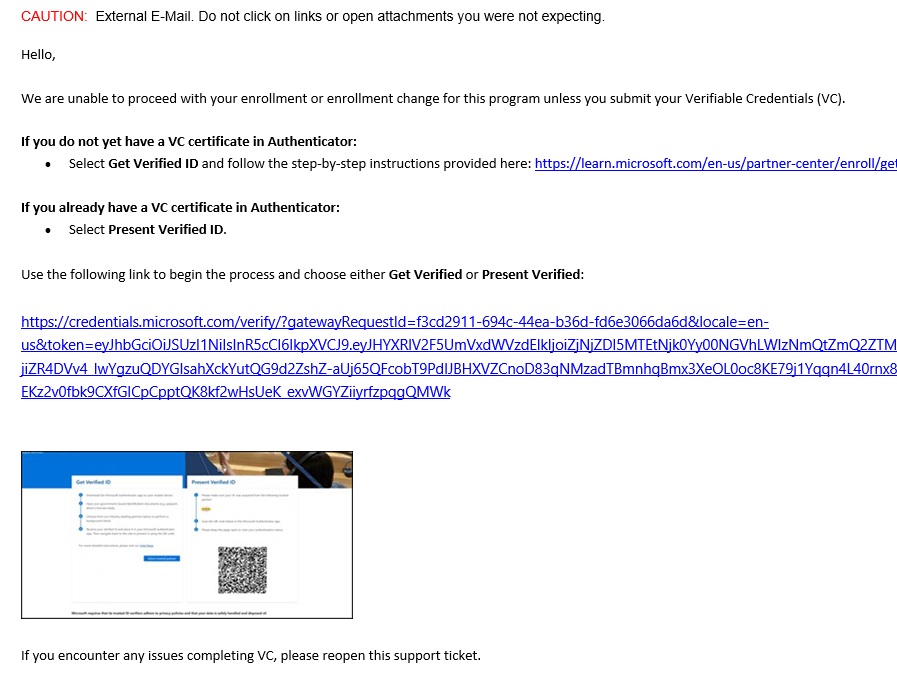
OK. Garrett got the case reopened. I managed to verify myself using a link that appeared to be prepared especially for me.
Once you get that link there is a QR code on the left where you verify yourself (drivers license in my case) and you get a verified ID from AU10TIX (Get Verfified)
I forgot to complete the next link on right (Present Verified) where you share the Verified IP with SAS T3 support.
I still have “program not found” so waiting for this to be fixed.
*edit So our dashboard is back. I am verified and all is looking good.
Thanks everyone for your help, especially p_coder, and thank you OSR for opening this thread.
Thanks for the info on this topic, I’ve been running into the exact same issue. In April I managed to get to the “please wait 60 days” part of the process. After waiting more than 60 days.. there has been no response at all.
Last week I submitted an additional ticket at the Microsoft Engage Center as linked in the above post. The automated reply told me I could “expect a response within: 8” (hours? days? weeks? It doesn’t say.)
Any additional tips to get past this issue would be appreciated.
As you go through the steps for setting up a support request for the Engage Center make sure the email address is one you can actually receive emails at. e.g. if your account login contains ‘onmicrosoft’ then switch your email (on second step) to an email address that receives emails.
I second @rob18767‘s suggestion – switch your email if needed, to an email address that matches the first and last name of the person who will receive emails at your company email domain. Get the email address verified, set up 2FA etc. Then, try to get through the AU10TIX vetting process if you can. Finally, I recommend using the ‘special/magic’ form that contacts Garrett’s team, as posted above.
When we worked through this, I went through this whole thread and did as much of what was suggested as I could (which took some time), and finally the ‘magic’ form and whatever Garrett and his team did on their end, was what got us going. If you’re in a hurry, you could probably cut to the chase and use Garrett’s form right away; at least I don’t see any harm in trying it. If he needs the email switched or the vetting complete before he can help, I assume he’ll let you know.
Back in April they approved the account and I was able to make a release of my driver. But now the account no longer works.
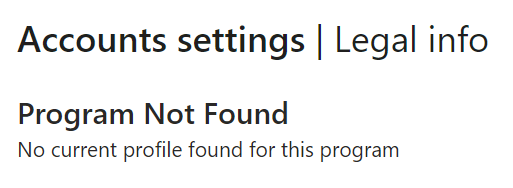
My vetting status is shown as "rejected" (it was approved before). Attempting to have the account verification again fails because the verification page shows "No current profile found for this program".
I’ve been able to sign drivers since April but last week was blocked again. The hardware workspace is still there but it takes me to the “Legal info” page where the Vetting status has changed to “rejected” on the Developer tab.
I changed the phone on my contact info to my mobile number to trigger review and opened another issue with support but it’s still “Pending” a week later.
P.S. While writing this I got it back again. The verification status page had a “Resolve” button that had me scan the QR code with Authenticator to offer my AU10TIX verification and it finished vetting in a minute. I still have no clue what triggered the rejection.