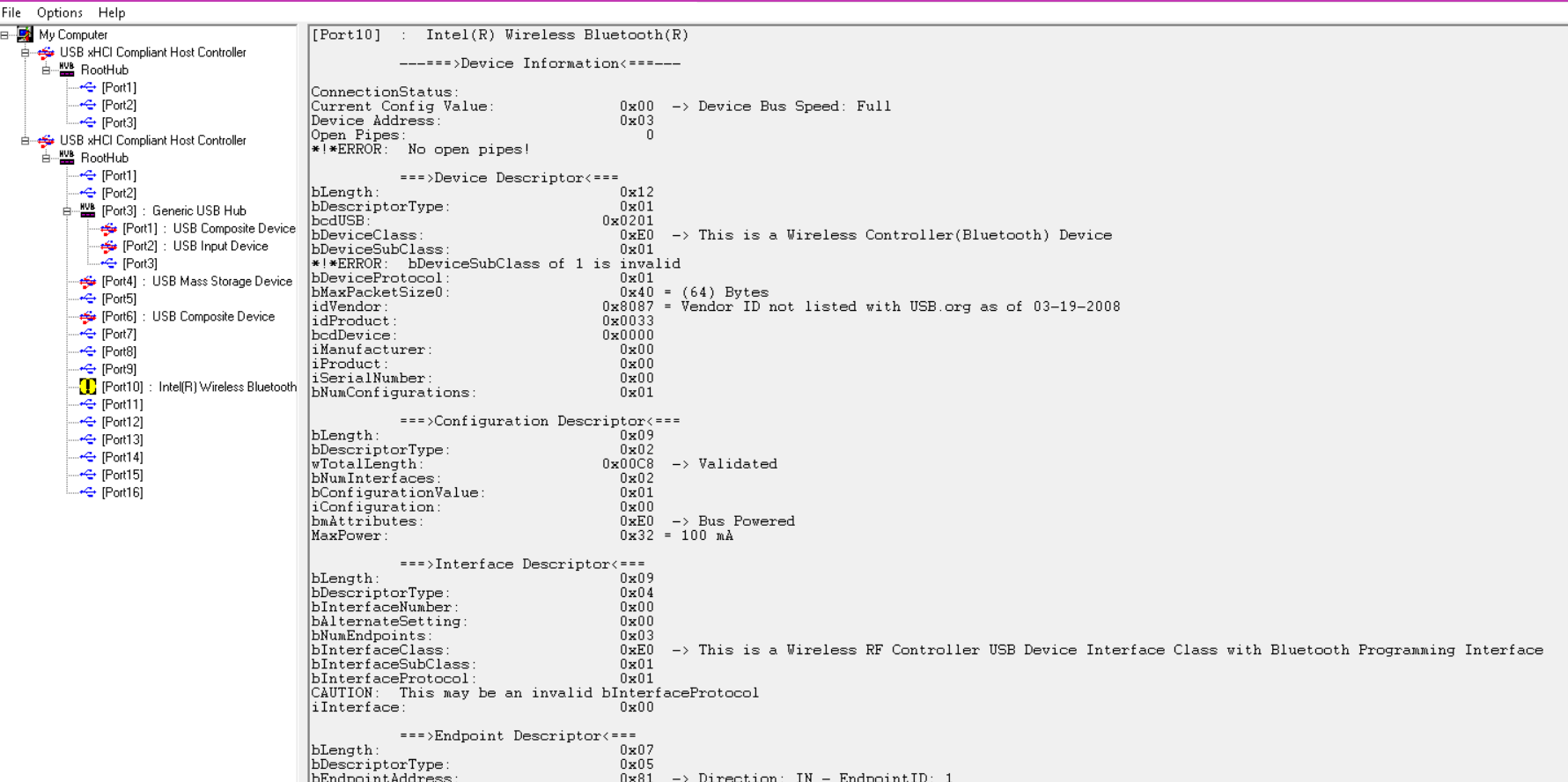
I suspect I’ve either not found the correct documentation yet, or I’m mis-reading it, but I’m struggling to understand how USBView shows 8 interface descriptors for this device when the bNumInterfaces field in the only configuration descriptor has a value of 2.
I’m assuming that USBView is showing me the correct info and my understanding of this is wrong, but I also don’t see any combinations of fields from the device & configuration descriptors that would tell me there’s more than 2 interfaces.
Well I can understand that the interfaces it’s showing me are correct, but my (obviously wrong) assumption until now has been that I read the configuration descriptor, and it tells me how many interface descriptors there are to read.
So if I can’t trust bNumInterfaces in the configuration descriptor to be accurate, how do I know how many to read? Do I just sit in a loop and try more and more interface descriptors until I get an error?
And I assume you have to understand the usual computer math where 2 objects have numbers 0 and 1.
And probaly you didn’t realise well that one interface could have different properties (described by bAlternateSetting) and the software is responsible for selecting one of them.
OK, think I got it now Turns out I was reading them all, but not processing them all because I thought that bNumInterfaces told me the total number of interface descriptors that there were, which is obviously not the case.
That’s correct. A single interface will often have several interface descriptors. Audio and video devices, for example, have one interface descriptor for each supported format. When processing, you have to keep reading until you run out of bytes (from wTotalLength).
 Turns out I was reading them all, but not processing them all because I thought that bNumInterfaces told me the total number of interface descriptors that there were, which is obviously not the case.